Factory Reset for ReachCam Model CamerasUpdated 7 months ago
Several factors may prevent your camera from transmitting normally. A factory reset can eliminate many of these factors and should restore your camera to normal operation.
ReachCam
Please note the below image. If your camera appearance does not match, please return to the Help Center and select the correct article for your camera.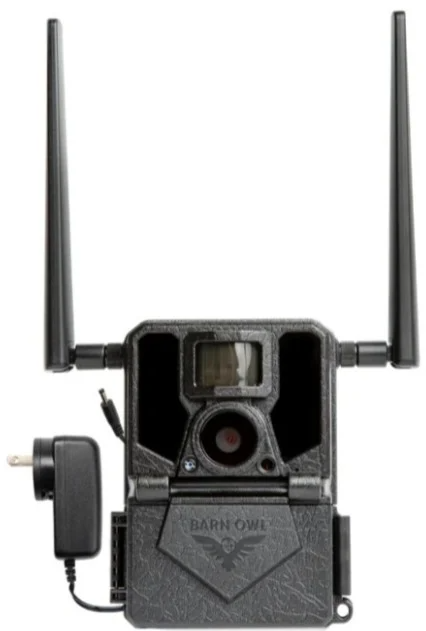
Factory Reset: Put the camera switch in the 'Setup' position. Once the Barn Owl logo disappears, press the M button. Scroll to the left until you see DEFAULT, press the OK. Press the UP ARROW to YES and press the OK button. Note: YES will not be highlighted. The camera should reset and return to the DEFAULT menu option. Press the M button to return to the SETUP screen.
Format SD Card: Place the camera into SETUP mode using the toggle switch. Once the Barn Owl logo disappears, press the M button. Scroll to the left until you see FORMAT, then press OK. Press the UP ARROW to YES and press OK. Note: YES will not be highlighted. The camera should reset and return to the FORMAT menu option. Press the M button to return to the SETUP screen.
Test Photo: Place the camera into SETUP mode and wait until "StatusReport Success" message disappears, then press the LEFT arrow button. "UpdateThumbnail" will appear, and send a test photo to the Barn Owl app.