
Factory Reset for EdgeCam Model CamerasUpdated 7 months ago
Several factors may prevent your camera from transmitting normally. A factory reset can eliminate many of these factors and should restore your camera to normal operation.
EdgeCam
Please note the below image. If your camera appearance does not match, please return to the Help Center and select the correct article for your camera.
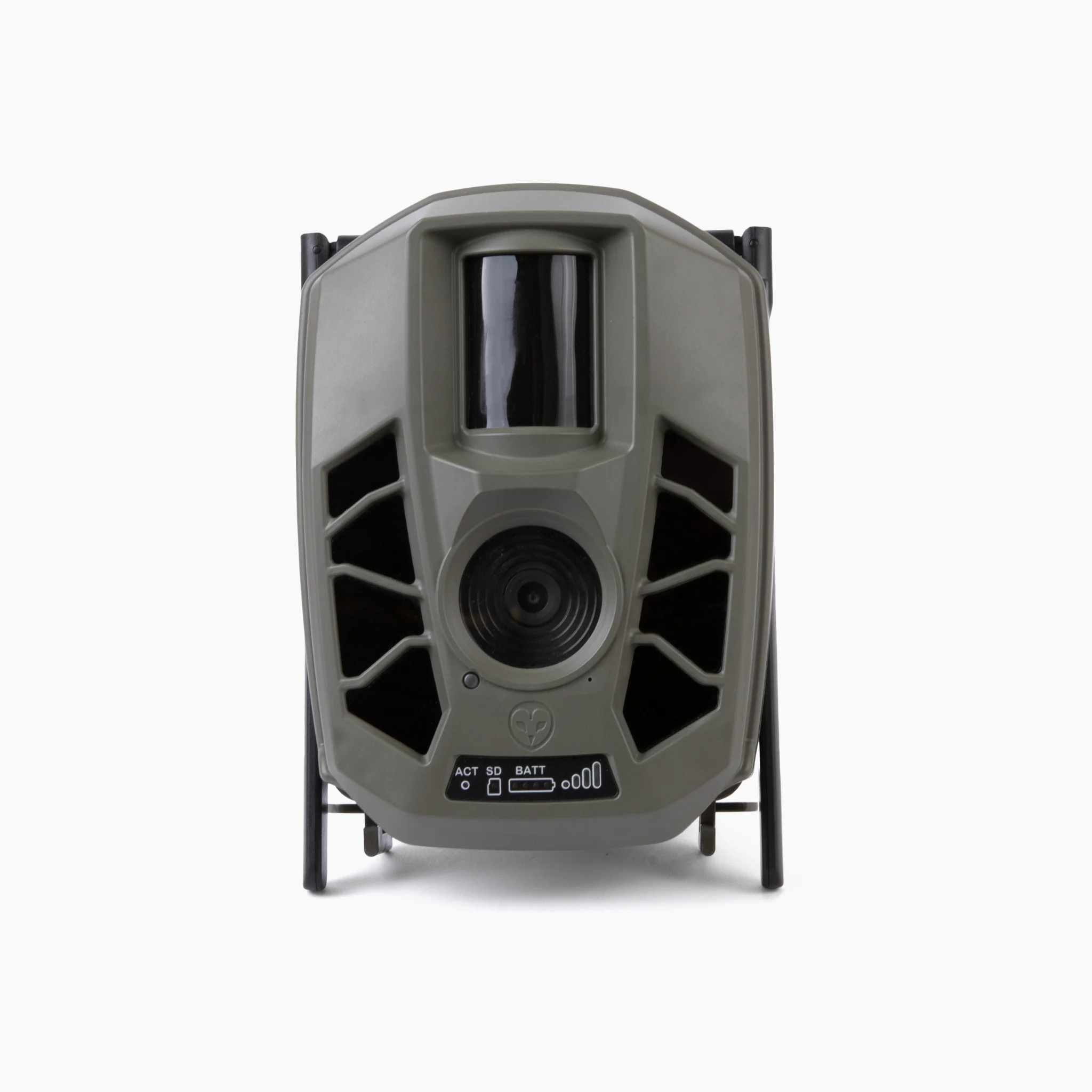
To reset your EdgeCam, please unclip the security latches located on the bottom of the camera. Swing open the security door and locate the camera's power switch (black rocker switch). Turn this OFF, wait 30 seconds, and turn ON. The camera will boot up which will cause the front-facing LED lights to cycle. The camera is ready when the signal bars show at least three green lights. Close the security door and attempt an On Demand (test photo) from your Barn Owl HQ account.
If you are facing power concerns with your EdgeCam, please review the following and let us know if the device continues to shut down due to power loss:
1. The battery arm should be charged using the provided adapter before the camera is connected. Connecting the camera first will result in very slow charging and possibly an incomplete charge.
2. A flashing yellow light indicates the battery arm is charging. A solid green light indicates the battery arm is fully charged, and is ready for deployment.
3. The solar panels must receive 8 hours of full sun to keep the battery arm and camera charged. Any obstruction, such as shade caused by overhanging branches or structures, must be avoided to maintain optimal performance.
After completing these steps, remember to update your settings from the web app to the camera as the reset will delete your previous settings.