Removing Your Barn Owl HQ AccountUpdated 8 months ago
Removing Your Barn Owl HQ Account
To fully remove your Barn Owl HQ account, please follow the below steps.
1. Start by logging into your account located on Barn Owl HQ. You may do this through the mobile app or website.
2. Click on the Main Menu and then click Help near the bottom of the menu.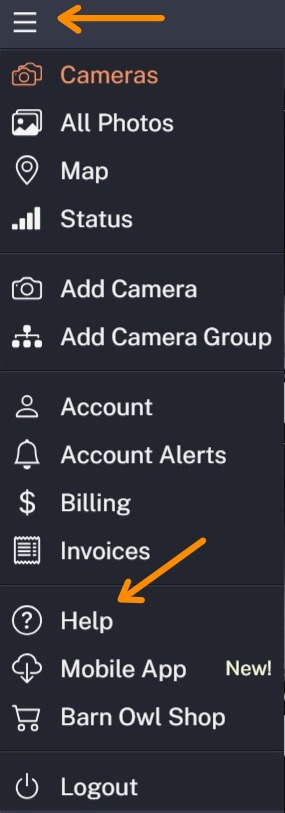
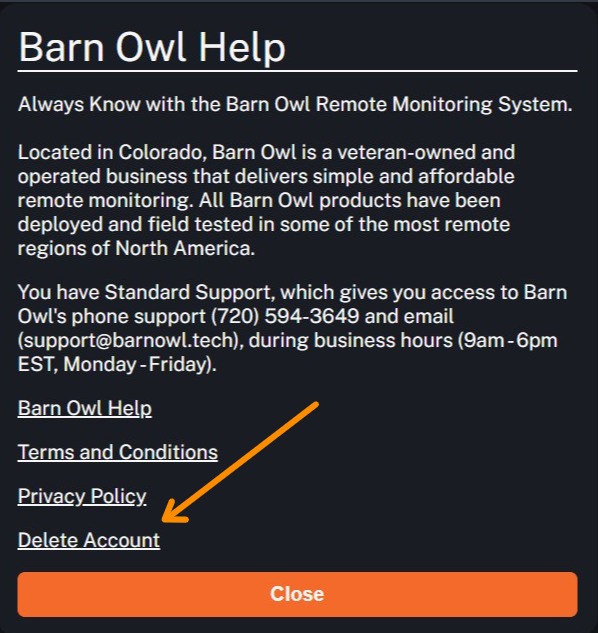
3. Click Delete Account.
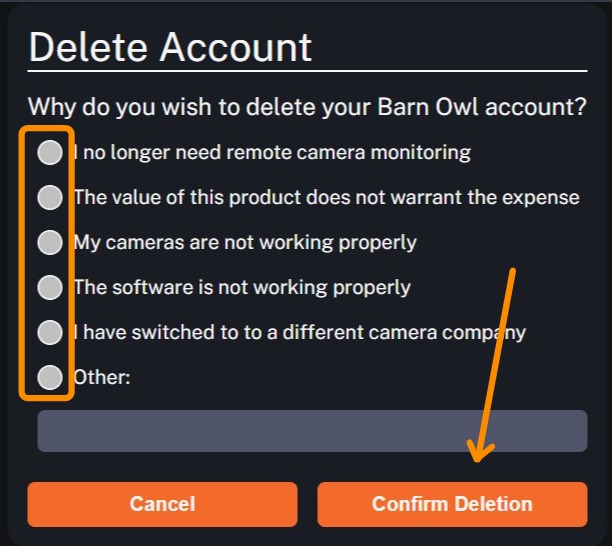
4. Select your reason. You may provide detailed feedback by clicking Other and entering your comments. When finished, click Confirm Deletion. Your account will immediately be removed and billing stopped as of that date. A final prorated invoice will be provided and charged to the payment card on file.